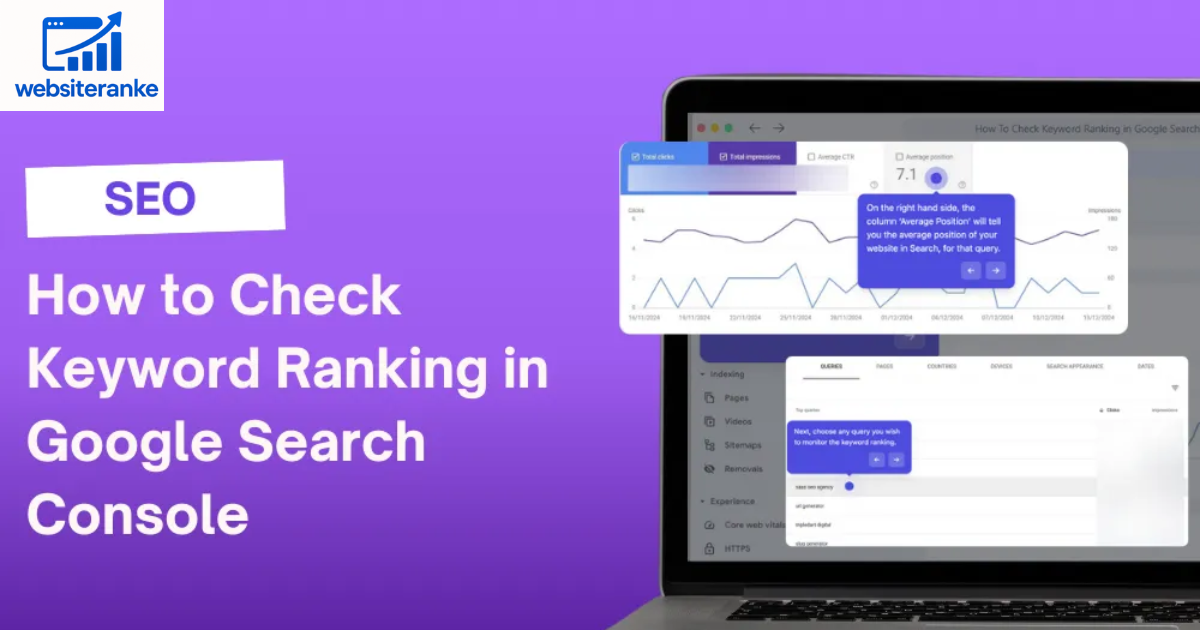
Tracking your keyword rankings is one of the most essential parts of search engine optimization (SEO). It allows you to understand how your website performs for specific search queries on Google. Knowing where your keywords rank helps you refine your SEO strategy, improve content, and increase your chances of gaining more organic traffic.
Many website owners believe keyword tracking requires paid tools, but that’s not always true. Google itself offers several free tools that provide accurate and insightful keyword ranking data. These tools help you monitor visibility, analyze clicks, and track the effectiveness of your SEO efforts without spending a single penny.
In this article, we’ll explore how to find your keyword rankings using Google tools like Google Search Console, Google Analytics, and Google Trends. You’ll learn how each tool works, how to set them up, and how to interpret your keyword data effectively to make better SEO decisions.
Table of Contents
Track Keyword Rankings with Google Search Console
Google Search Console (GSC) is the most direct and reliable way to find your keyword rankings on Google. It shows how often your site appears in search results, which queries trigger impressions, and the average position of each keyword.
Setting Up Google Search Console
To begin using Search Console for keyword tracking:
- Sign in with your Google account.
- Click on “Add Property” and enter your website URL.
- Verify ownership through DNS, HTML file, or Google Analytics.
- Wait for Google to collect and display your data.
Once set up, the tool gives you detailed insights about your keywords, impressions, and rankings.
Checking Keyword Positions
After verification, open the Performance → Search Results tab in GSC. You’ll see data like:
- Total Clicks: Number of times users clicked on your site.
- Impressions: How often your website appeared in searches.
- Average CTR: The percentage of users who clicked your result.
- Average Position: The ranking of your keyword in search results.
Scroll down to the “Queries” table to view your ranking for each keyword. For example, if your keyword “best SEO tips” shows an average position of 5, it means your website typically ranks fifth for that term.
Analyze Keyword Performance with Google Analytics
Google Analytics doesn’t directly show keyword rankings, but it provides valuable data about how visitors interact with your website after arriving from search engines. When you integrate it with Search Console, you get a more complete picture of keyword performance.
Linking Google Analytics with Search Console
To link both tools:
- Open Google Analytics → click Admin.
- Under Property Settings, select All Products.
- Find Search Console and click “Link Search Console.”
- Choose your verified property and save the settings.
This integration allows Analytics to display your keyword data from Search Console, combining ranking and traffic insights.
Viewing Keyword Reports
After linking, go to:
Acquisition → Search Console → Queries
Here you’ll see:
- Impressions and Clicks: How often users searched and clicked your site.
- CTR: Click-through rate for each keyword.
- Average Position: Keyword ranking data from Search Console.
- Landing Pages: Which pages attract the most search traffic.
With this data, you can identify which keywords drive traffic and which need improvement.
Discover Keyword Trends with Google Trends
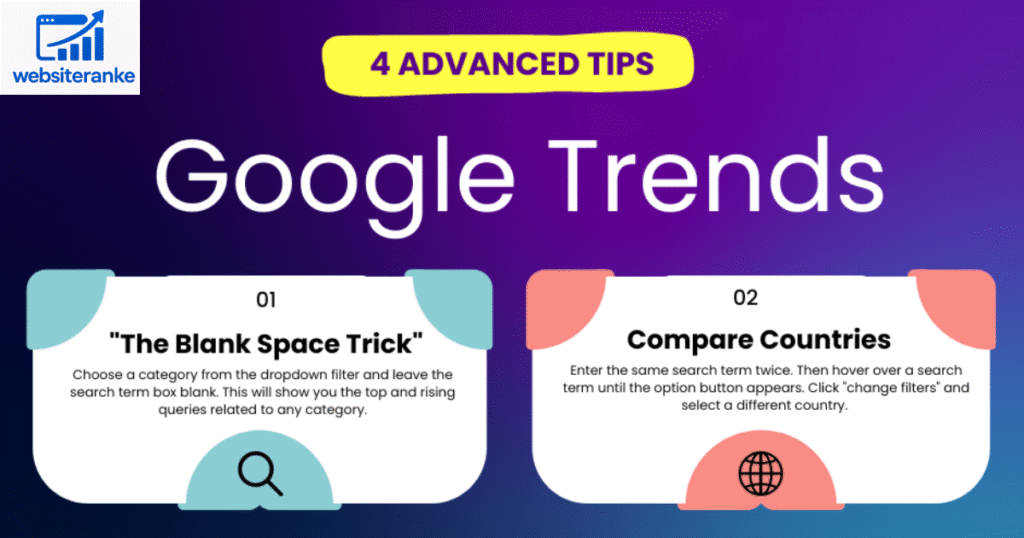
Google Trends is another excellent free tool that helps you analyze keyword popularity and discover new keyword opportunities. While it doesn’t show your ranking directly, it’s perfect for identifying which keywords are trending and seasonal variations in search volume.
Understanding Keyword Popularity
enter your keyword — for example, “digital marketing.” You’ll get a graph showing interest over time, indicating how the keyword’s popularity changes.
You can also see:
- Regional Interest: Which countries or cities search for your keyword most.
- Related Topics: Other terms users search for along with your keyword.
- Search Categories: Filter by topic or industry for more accurate results.
This data helps you understand when and where your audience is searching for your content.
Comparing Multiple Keywords
One of the best features of Google Trends is its comparison tool. You can compare up to five keywords to see which ones have the highest search volume. For example, compare “SEO tools” vs. “keyword trackers” to see which gets more attention.
By combining Google Trends insights with Search Console data, you can choose the most effective keywords for your content strategy.
- 100% Free: All Google tools are free and reliable.
- Accurate Data: Data comes directly from Google’s search engine.
- Traffic Insights: Understand how keyword rankings affect website visits.
- Performance Tracking: Monitor click-through rates and impressions.
- Trend Discovery: Identify new keyword opportunities before competitors.
FAQs
How often should I check my keyword rankings?
You should check your keyword rankings weekly. Frequent monitoring helps you identify drops in performance and take corrective action quickly.
Can I use Google tools to track competitor keywords?
No, Google tools only show data for your own verified website. To track competitors, consider third-party tools like Ahrefs, SEMrush, or Ubersuggest.
Why does my average position fluctuate?
Keyword rankings can change daily due to algorithm updates, competition, and content freshness. Monitoring trends over time is more valuable than daily changes.
Does Google Analytics show exact keywords for all traffic?
Not always. Due to privacy policies, some keyword data is marked as “(not provided),” but linking Analytics with Search Console helps recover much of this information.
Can I export keyword ranking data for reporting?
Yes. In Google Search Console, click the Export button to download your keyword data to Google Sheets or Excel for reporting and analysis.
Conclusion
Tracking your keyword rankings using Google’s free tools is one of the smartest ways to improve your SEO strategy. Google Search Console gives you exact keyword positions, Google Analytics provides traffic behavior insights, and Google Trends helps you understand keyword popularity over time.
When combined, these tools create a powerful system for analyzing keyword performance and understanding audience behavior. You can discover which search queries drive the most traffic and focus your SEO efforts where they matter most.
Remember, keyword tracking isn’t just about positions—it’s about learning how users find your site and what content engages them most. Regularly checking and optimizing your keywords with Google tools will keep your website competitive and visible in search results.
Read more article on websiteranke